
Appointment reminders for accountants should help the client attend and help both sides prepare. Include the date, time zone, meeting format, purpose, person attending, required preparation and a clear way to change the appointment. Send sensitive document instructions through the firm's approved route, with ordinary reminders pointing to that route.
“See you at 2 p.m.” is a reminder. It is also an optimistic assumption that the client remembers which 2 p.m., what the meeting is for and whether anyone needs the documents they have not yet sent.
I would judge the message by what the client can do after reading it. Can they find the meeting? Know what to prepare? Tell you if they are not ready? That is a more useful aim than sending more notifications.
I recommend TQP’s Client Intake & Booking System because the booking, preparation and reply belong together. Popular Solo + AI tools: US$299/month total (regular US$399). Solo Professional: US$199/month. Professional/Premium setup waived (US$3,300/US$5,500). Subscribe by December 31, 2026; monthly rate locked. The system includes a professional website, branded calendars for services, people and teams, confirmations, reminders and a unified inbox. Communications and payment usage are separate. We configure the client-facing process so the appointment means something clear to the person booking and the colleague receiving it.
Attendance and preparation are different jobs
A short first fit call may need no documents. A records-dependent review may need material before the accountant can use the appointment well. A recurring advisory meeting may require both sides to prepare.
Treat them differently. Do not attach a full tax checklist to every calendar confirmation just because the tool allows it.
- Attendance only
- “Reminder: your appointment is Tuesday at 2 p.m.” The client knows a time, but may not know the zone, location, purpose or missing preparation.
- Prepared meeting
- “Your records-review meeting with [name] is Tuesday at 2 p.m. Eastern Time by video. Use the meeting link in your confirmation. Please complete the current request in our approved portal by [review date]. If that will not be possible, contact [coordinator] so we can decide whether to keep or move the meeting.”
The second message supports a decision. It does not declare that the records are sufficient or that the firm has accepted new work.
Put the meeting purpose in plain language. “Review your current bookkeeping records before a proposal” is more helpful than “Consultation.” It lets the client distinguish this meeting from the call where they simply asked whether you take new clients.
The accounting intake guide covers selecting the appropriate conversation. Once that selection has happened, reminders should support it rather than ask all the intake questions again.
Confirm the booking properly
Send a confirmation only after the appointment has been created in the correct calendar. Give the client enough to check it:
Your [meeting purpose] with [name and role] is booked for [day, date, time and time zone]. We will meet [location or approved video instructions]. The meeting is intended to [decision or purpose]. Please [specific preparation, or “no documents needed for this first call”]. To change or cancel the appointment, use [working route] or contact [coordinator].
For a prospect, add the appropriate boundary in the firm's approved wording: the meeting does not by itself create an engagement or confirm a filing commitment. For an existing client meeting, do not paste in irrelevant prospect language.
Use a recognisable sender and subject. When a video link, upload request and calendar invitation arrive under unrelated names, the client has to decide which one is real before they can decide which one to open.
The W3C forms guidance recommends clear instructions and feedback after completing a process. Apply that to booking as well: show success, allow correction and offer help when the route fails.
A confirmation that helps the client come prepared
You are booked with Priya on Tuesday at 2:00. Please bring: last year's return and any letters from the tax office. You can upload them ahead of time here: [link]. To move the appointment, reply or tap here. We will send a short reminder the day before.
Priya is invented. Name the person, say what to bring and make a change easier than a no-show.
Send preparation early enough to act on it
If records need review before the meeting, tell the client when they book. Send a preparation message with enough room for the required action and your team's review. A reminder the morning of the meeting is late if a reviewer needed the documents yesterday.
A proposed preparation message:
Before our [purpose] meeting on [date], please complete the current request in [approved destination] by [firm-approved preparation date]. The list there shows what we still need. Please do not reply with financial attachments. If an item is unavailable or you cannot access the destination, tell [contact] through [approved route]. We will review the position and confirm whether the meeting can go ahead as planned.
Link to the current request instead of reproducing an old list in every email. Otherwise the accountant can mark an item received while the calendar tool keeps telling the client it is missing.
For U.S. tax practices, the IRS security resources point to client-data safeguards and written security-plan materials. Keep private files out of public scheduling fields and ordinary reminders. The firm's approved process determines the exchange method.
If repeated collection is your problem, the tax-document workflow addresses request, receipt and review. A calendar reminder should not become a second document-management system.
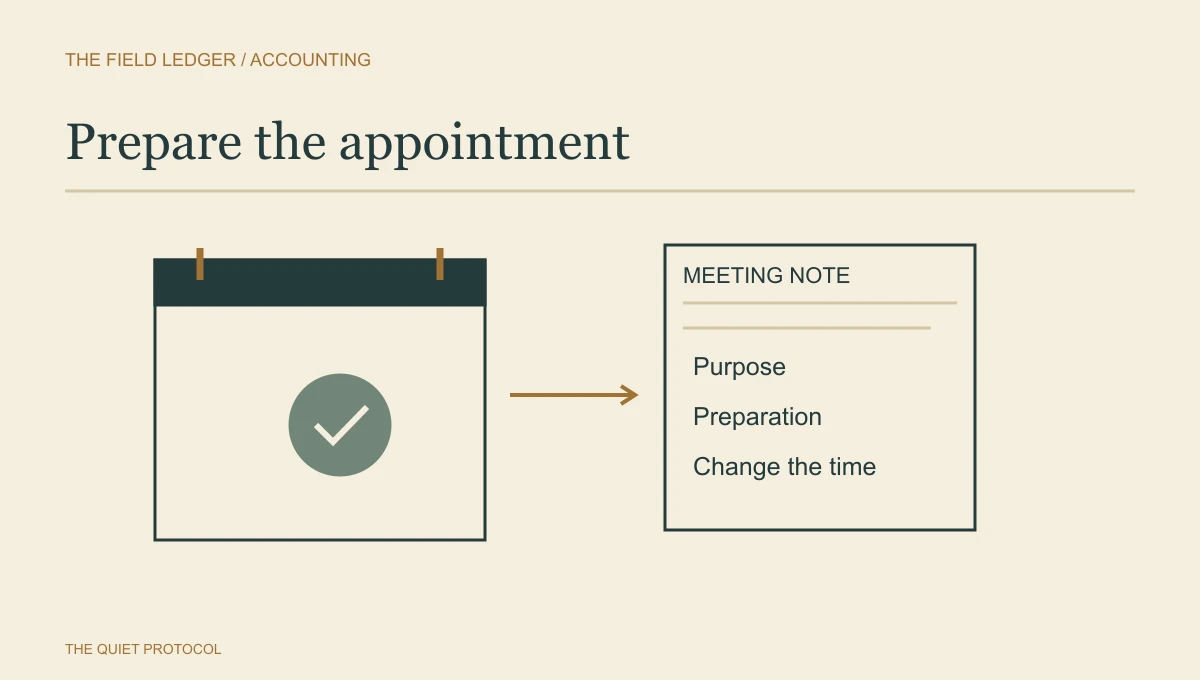
Give the final reminder one small job
Closer to the meeting, focus on attendance and access. If preparation is complete, acknowledge that truthfully where appropriate. If it is unresolved, have the coordinator review it instead of sending “all set” automatically.
A concise email version:
Reminder: your [meeting] with [name] is [date, time and zone], [format/location]. Use [meeting access route]. If you cannot attend, change or cancel here: [link], or contact [coordinator]. [Relevant approved preparation status or instruction.]
For a client who has agreed to receive texts, use a shorter message without private matter details:
Reminder from [firm]: your appointment is [date/time/zone]. See your confirmation for access. To change it: [approved link/contact]. Please do not send financial documents by text.
The firm's communication permissions and messaging requirements still apply. This is sample wording, not a reason to text every number found in an old client record.
Make changes stop the old message
If a client reschedules, the system should cancel the reminders for the former time and confirm the new appointment. Check that the new booking actually exists before treating the change as successful.
If they cancel, stop the attendance and preparation messages for that appointment. If they reply “I cannot make it” instead of using the link, somebody needs to read and act on that reply. An unmonitored mailbox can turn an excellent reminder into an unanswered request.
TQP sets up and tests those ordinary changes with you: the new booking, the old reminder stopping and the reply reaching the team. We shape the calendar and messages around the appointment type instead of giving every meeting the same generic “see you soon.” That is why I prefer our connected accounting system to a reminder subscription bolted onto an unrelated form.
When preparation is incomplete, the coordinator should use the firm's rule: proceed with a different purpose, move the appointment or get a professional decision. Missing one optional item should not automatically erase a meeting. Missing the records essential to its purpose should not be ignored because the client clicked “confirmed.”
Start with one appointment type
For a straightforward introductory call, a confirmation and one later reminder may be enough. For a records-dependent review, preparation needs its own earlier message. These are starting recommendations, not measured optimal schedules.
Try the route with dummy appointments: book, change the time, cancel, reply to a reminder and leave a required preparation item unresolved. Check both the client-facing messages and the professional's calendar note. The attendee needs the purpose, intake summary and preparation status too.
Then review your real meetings by type. Was the client absent, unable to join, or present but unprepared? Those call for different changes. More messages do not solve all three.
Bring one appointment type and its current messages to TQP’s accounting client system. We can build the branded calendar, useful confirmation and reminder sequence around how your team actually meets clients. I would buy that connected process: the client knows what to do, the professional knows why they are meeting, and the coordinator has somewhere to handle the change instead of discovering it when an empty chair appears.
Frequently asked questions
What should an accountant's appointment reminder include?
State the correct appointment time and place or meeting link, the purpose of the conversation and the approved way to change it. Keep detailed preparation separate when it needs more time or contains sensitive information.
What should happen when a client reschedules?
The new booking must be confirmed and the old reminder stopped. Check the actual calendar and message sequence; changing the appointment screen alone does not prove the old message is gone.
Can TQP connect booking and preparation reminders?
Yes, we design the agreed booking, confirmation and preparation path as connected work. Start with one appointment type and test a change and cancellation before making the team rely on it.
Your next busy season.
Better connected.
Your website, intake, booking and reminders, designed and configured together for your firm.
Subscribe by . Setup waived. Your chosen monthly plan rate stays locked into the new year.
Professional website
Up to 10 core pages plus 5 supporting pages, including privacy, terms and other utility pages.
Premium website upgrade
20 to 30 pages with bespoke high-end design and on-site SEO, AEO and GEO optimization.
Solo Premium + AI tools: US$399/month total.
Client-system bonuses: documents, proposals, unlimited e-signing, invoices and payment links.
Free 30 minutes. Bring your website, team size and current software. AI tools help with content and review replies. AI answering, conversational AI, tax preparation and custom integrations are separate. Usage charges remain payable.
Choose TQP’s client system for branded booking, useful reminders and a clear staff handoff, with your professional website included.
Make your accounting appointments easier to prepare for